

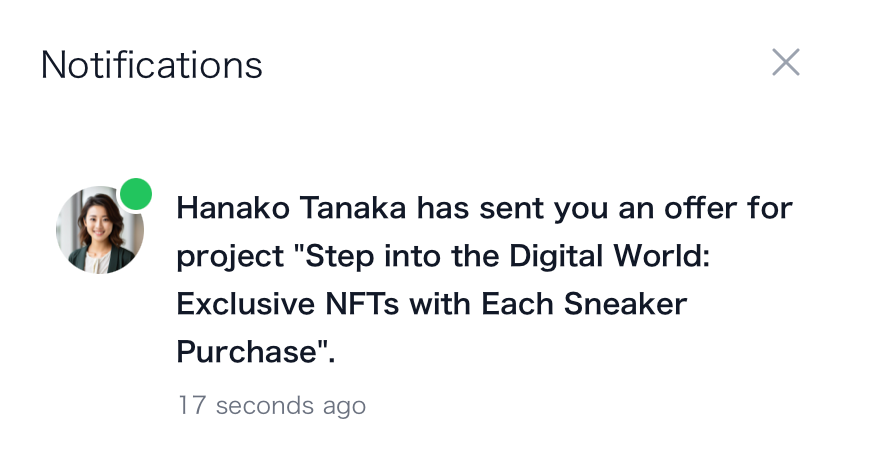
When clients create an offer, it is forwarded to the chosen creators, who are then notified via the platform’s notification system.Documentation Index
Fetch the complete documentation index at: https://docs.byo.do/llms.txt
Use this file to discover all available pages before exploring further.
View Sample Contract
View Sample Contract
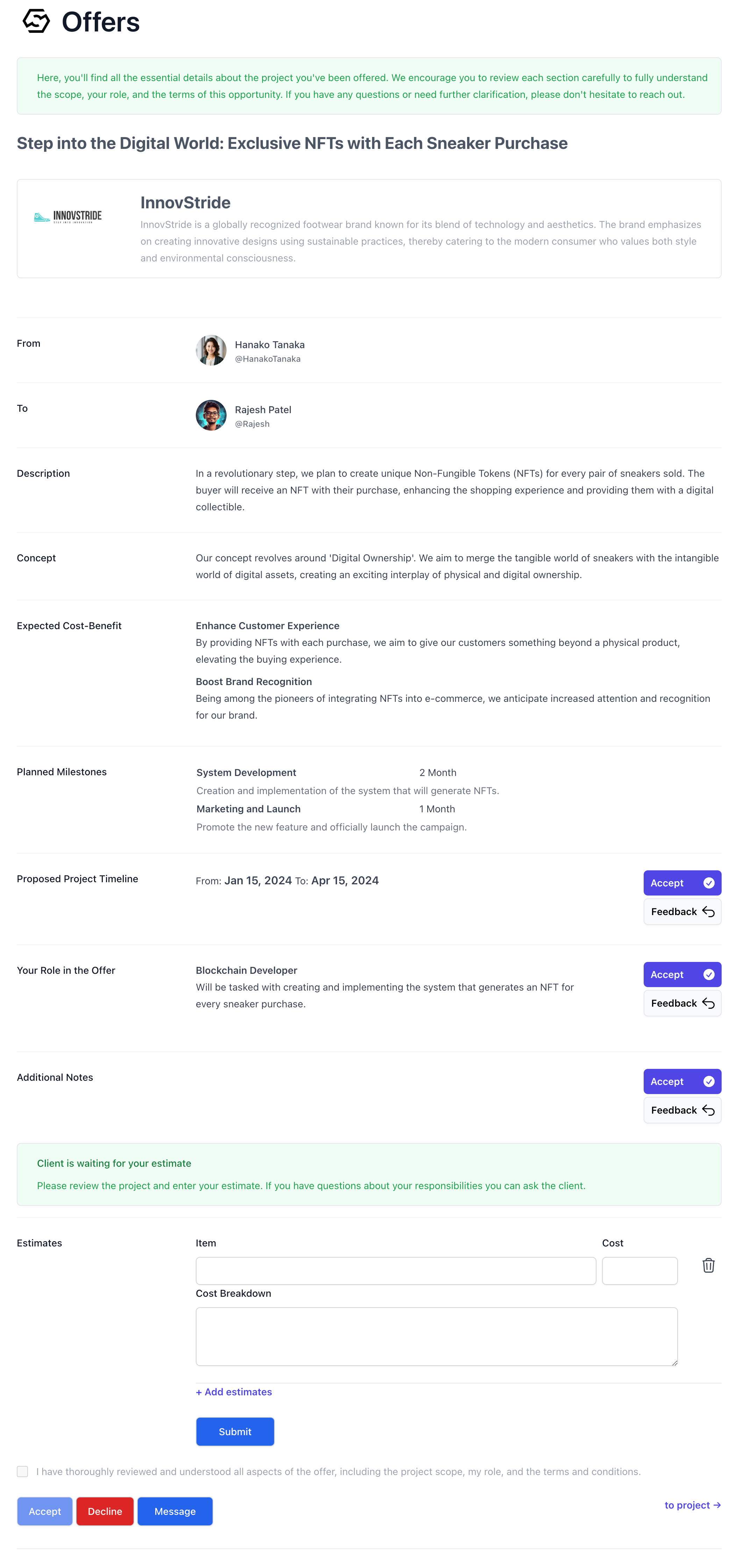
Reviewing Offer Details
Offers sent to creators contain critical information about the project: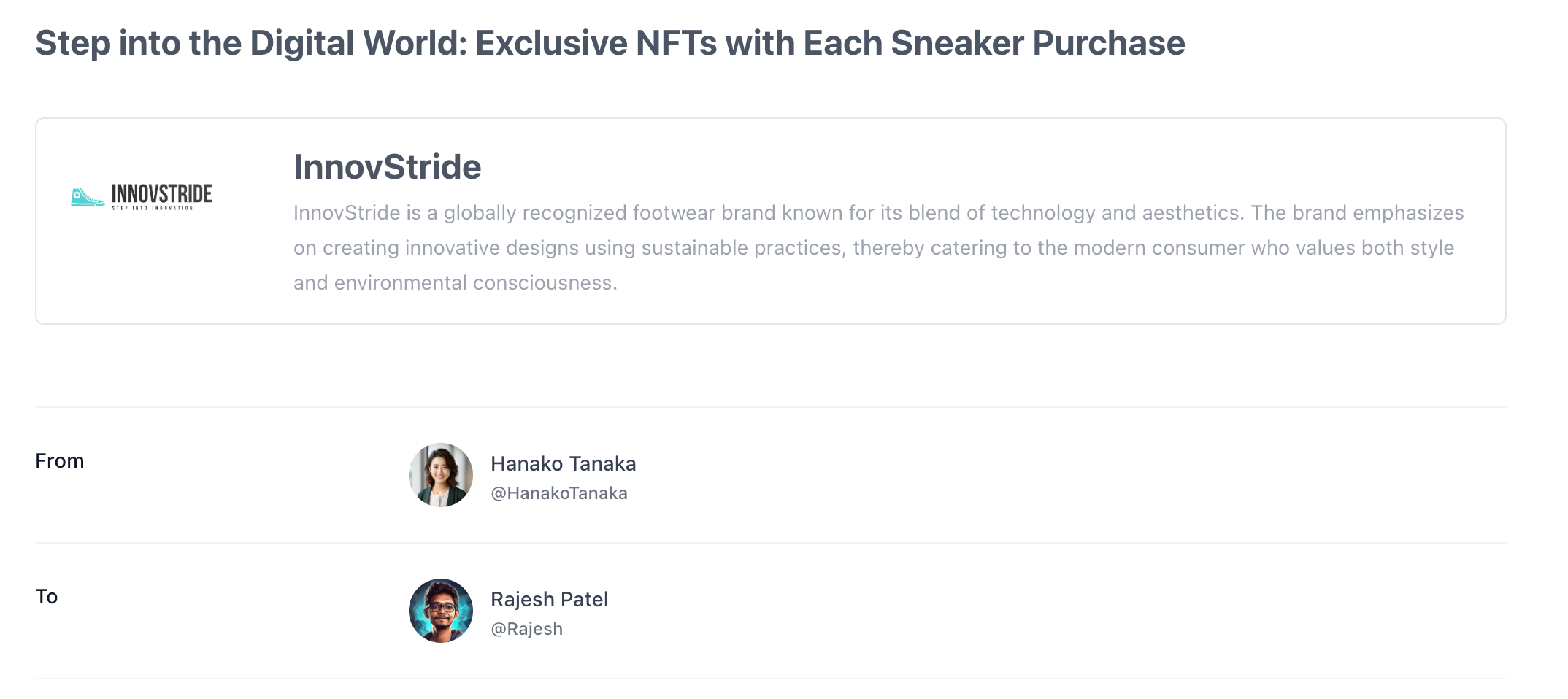
- Project Name and Company Details: The title and a brief description of the company initiating the project.
- From: The client who has issued the offer.
- To: The creator who is the offer’s recipient.
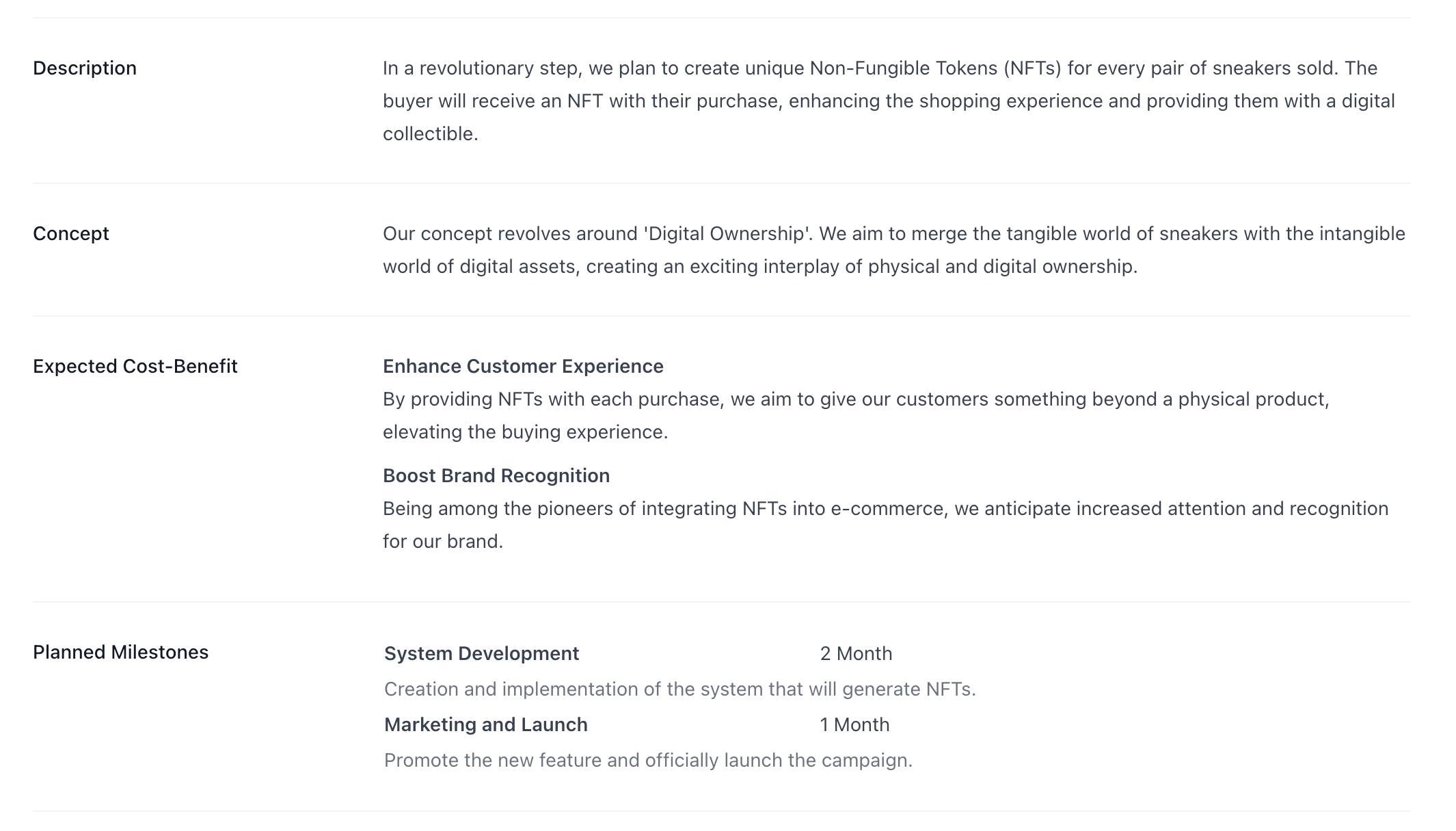
- Description: An overview of the project’s scope.
- Concept: The strategy or concept guiding the project.
- Expected Cost Benefit: The projected value and advantages of the project.
- Planned Milestone: Significant objectives and deadlines established by the client.
Estimation and Acceptance
Proposed Project Timeline

Roles and Responsibilities

Compensation

Additional Information

Request for Estimate
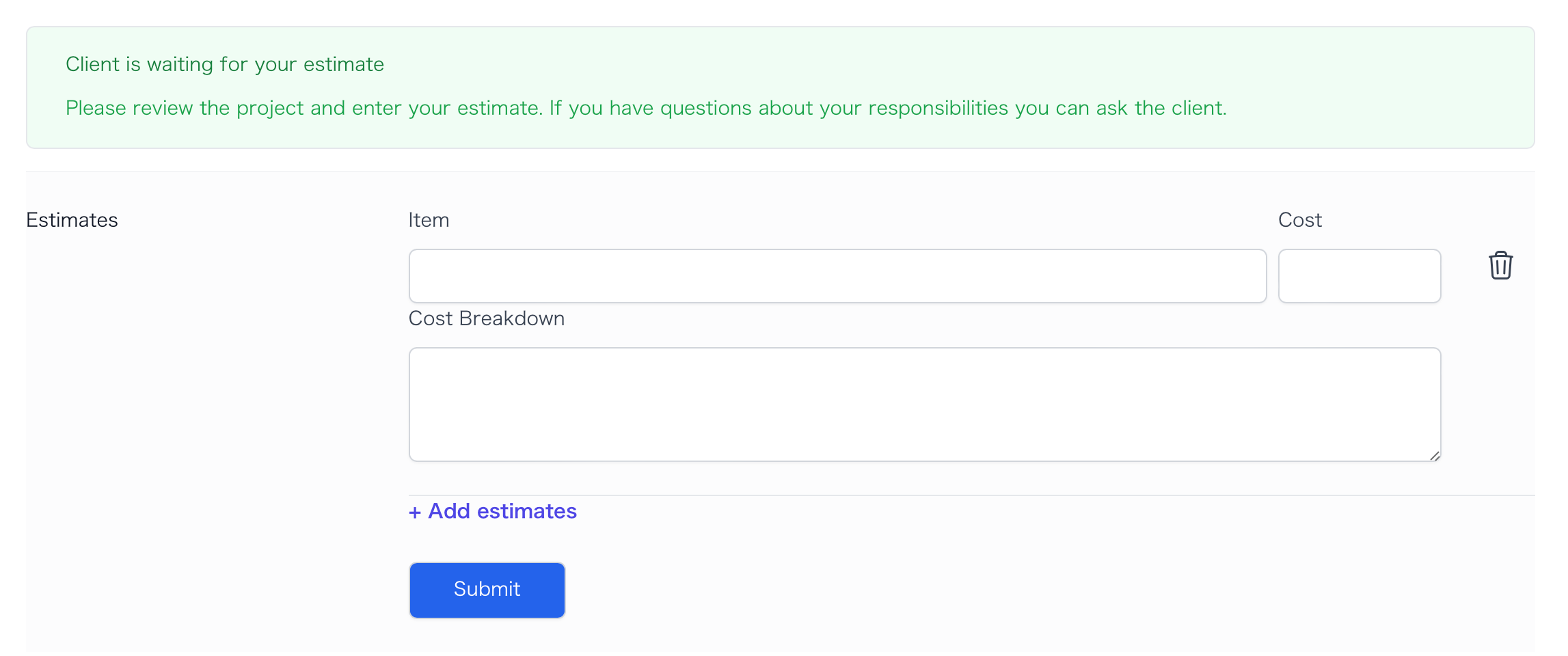
When a client selectsRequest a Quote, creators will be presented with a form to provide their estimated project costs.
Accept or Negotiate
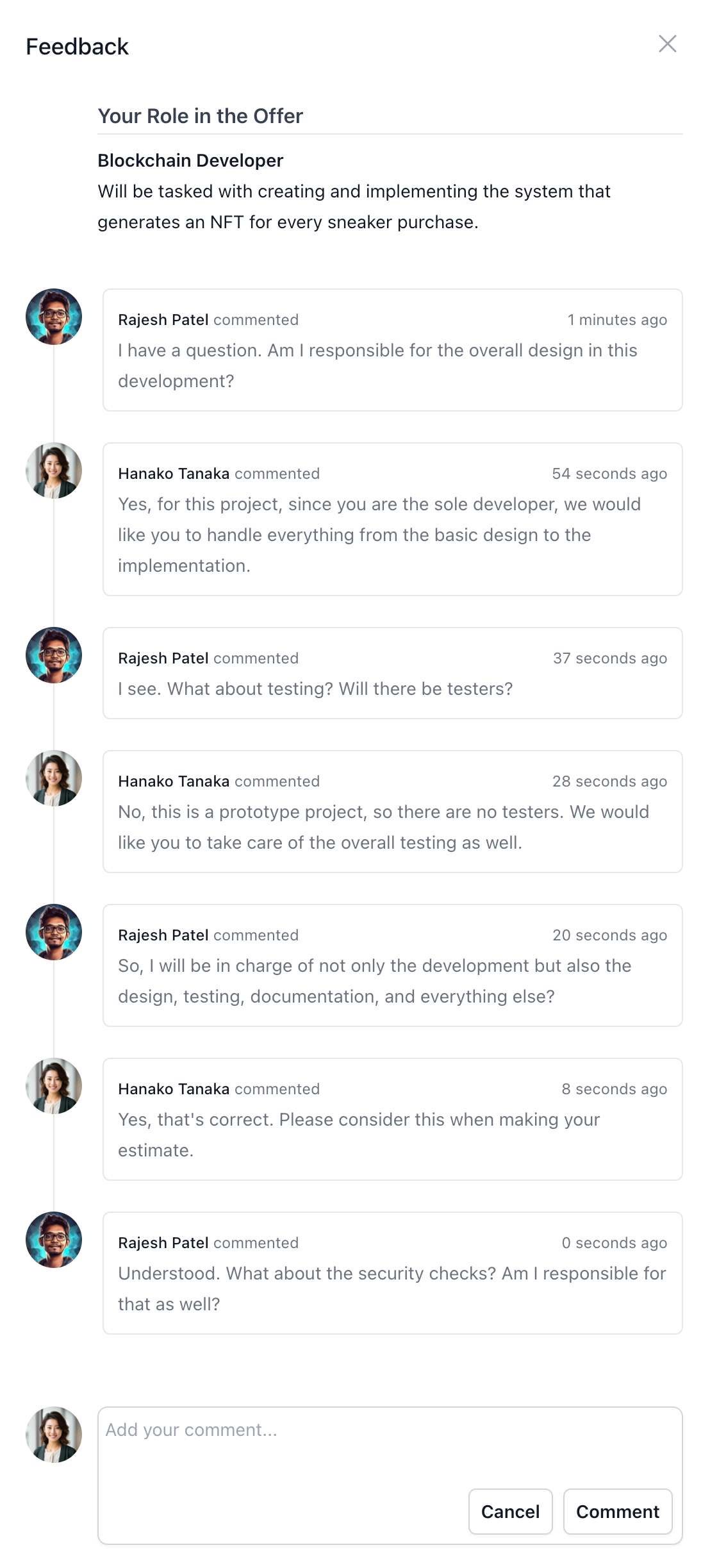
Creators can directly accept each section of the offer if they are in agreement. For questions or terms negotiation, the ‘Feedback’ button allows initiating dialogue with the client.View Feedback
View Feedback
Finalizing the Offer
Once creators have accepted all sections, the checkbox indicating a complete review and understanding of the offer’s aspects—including the project scope, roles, and terms—will be enabled. Checking this box signifies the creator’s comprehension and agreement with the offer’s terms, thereby activating theAccept button for the complete contract. Formal acceptance of the offer is confirmed by clicking this button, signaling readiness to commence the project under the defined conditions.