

Documentation Index
Fetch the complete documentation index at: https://docs.byo.do/llms.txt
Use this file to discover all available pages before exploring further.
This feature is exclusively for Creators
Profile Setup Step
Upon signing up, creators are guided to a profile information entry page, where they can input their details step by step. Following the prompts, creators can easily complete their profile by filling in each piece of information sequentially.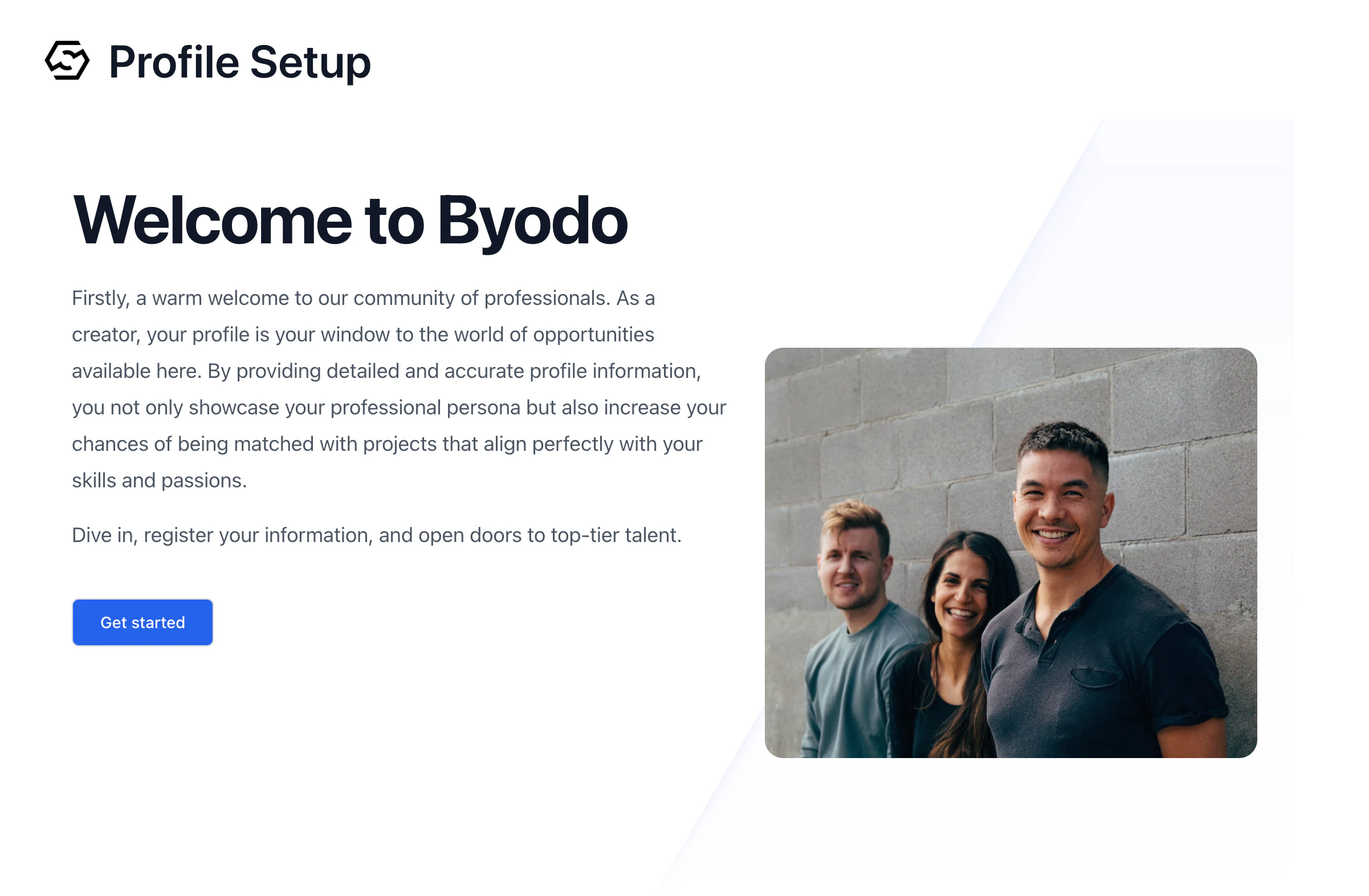
Profile Update Form
Once a profile is created, any information can be readily updated through the profile update form from the “Profile” menu on the left sidebar menu.. This ensures that creators can keep their profiles current and reflective of their most recent skills, experiences, and achievements.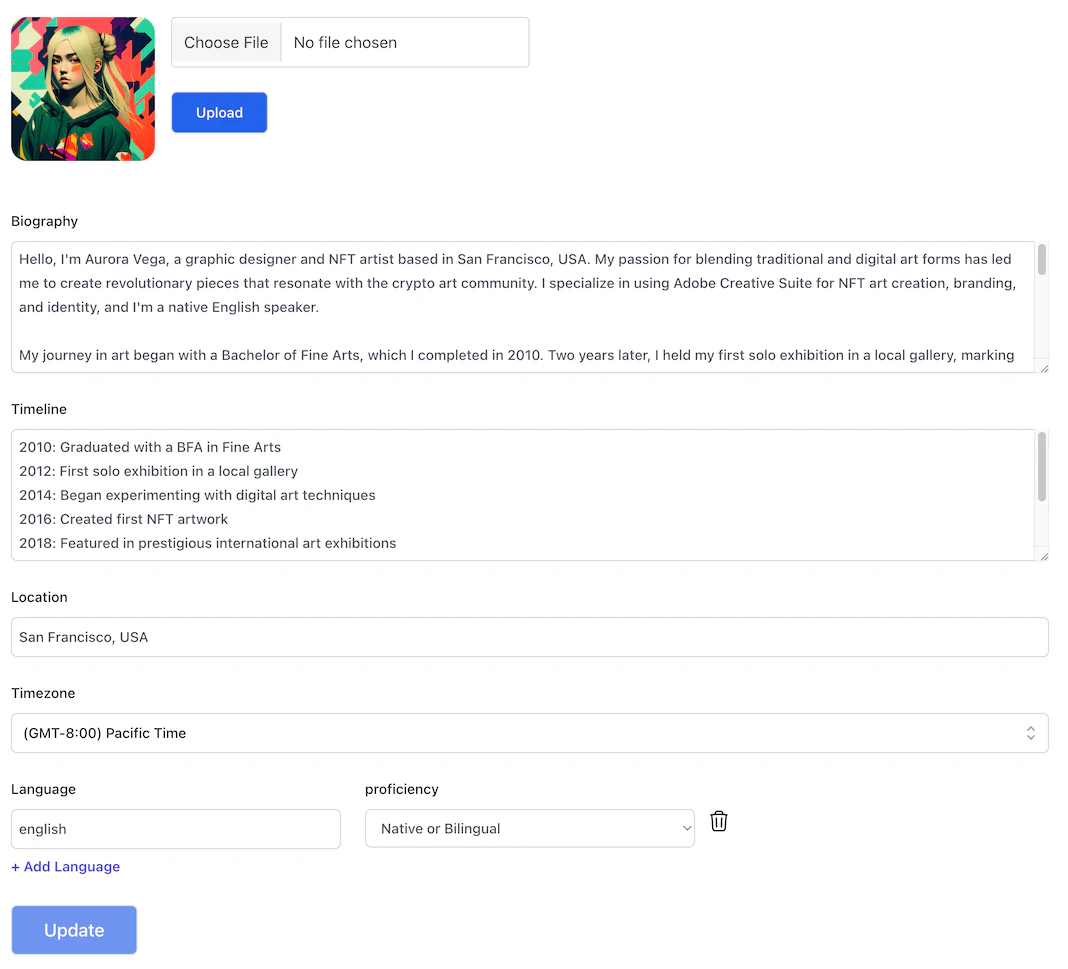
Location

Language

Biography

Timelines

Rate & Work hours
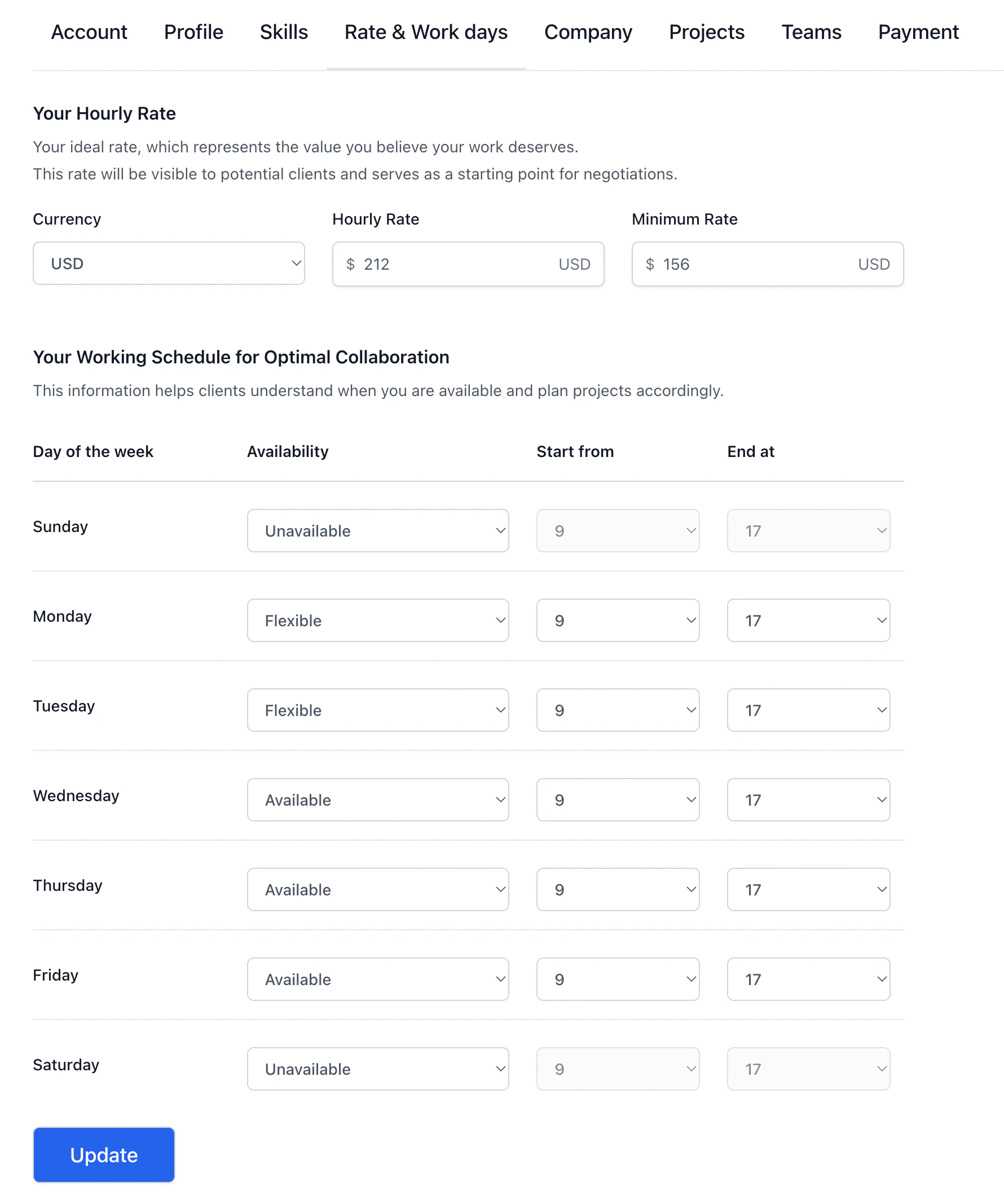
- Day of the Week: Indicate which days you are available, flexible, or unavailable for work.
- Availability: Choose ‘Unavailable’ for days off, ‘Available’ for days when you work fixed hours, and ‘Flexible’ for days when you can adjust your work hours.
- Start from and End at: For ‘Available’ days, set your working hours start and end times. For ‘Flexible’ days, indicate your preferred working hours as a guideline.
Skills
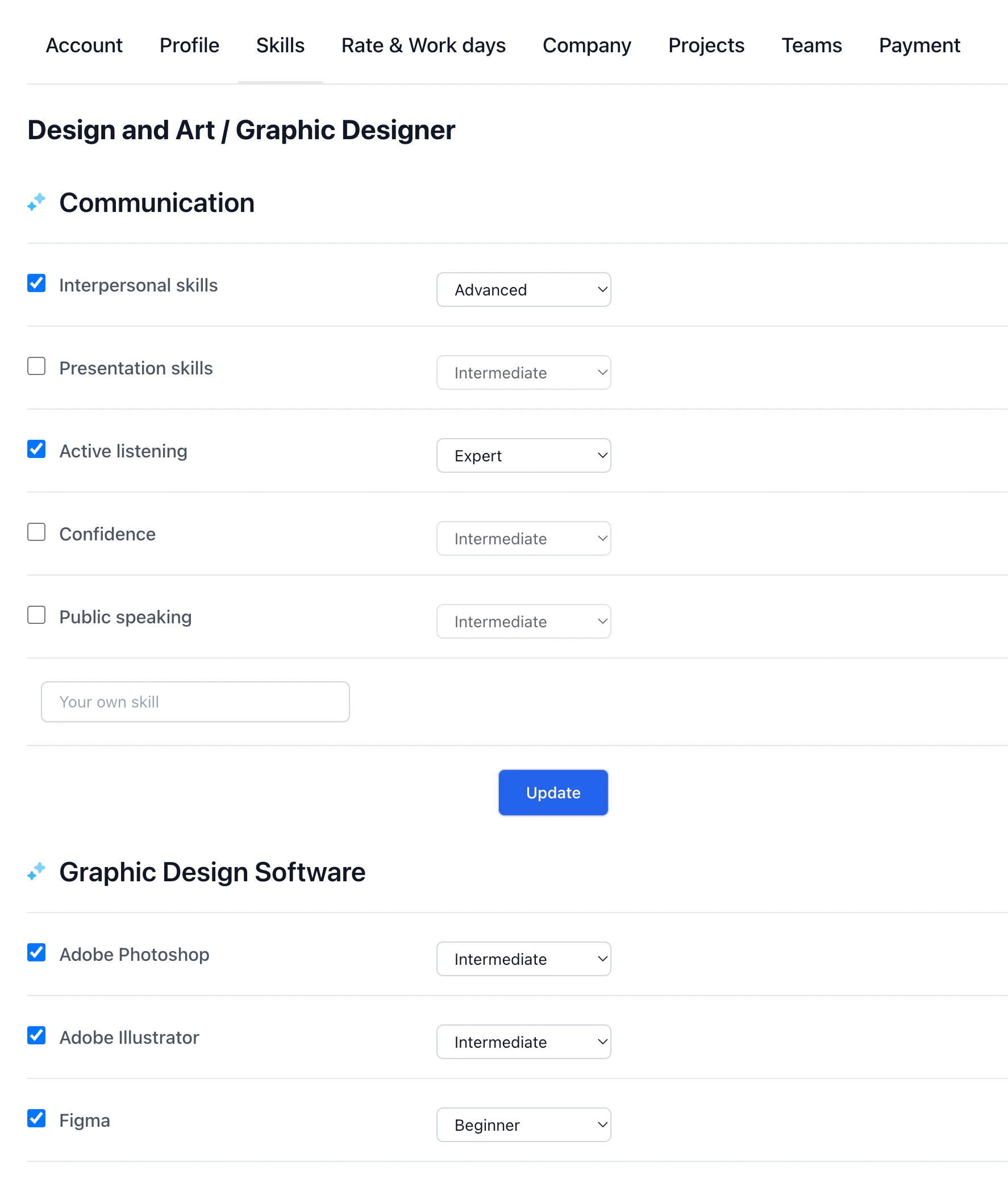
- Skill Selection: Choose from the predefined skill set or enter your skills manually if your specific skills are not among the choices.
- Skill Level: Assess your proficiency level for each skill, choosing from ‘Beginner,’ ‘Intermediate,’ ‘Advanced,’ or ‘Expert’ to give clients a clear understanding of your expertise.