

Creators on our platform can form teams to collaborate on projects. This allows for participation in larger-scale projects and provides a structure for shared responsibilities. Typically, a team leader is appointed to manage negotiations with clients.Documentation Index
Fetch the complete documentation index at: https://docs.byo.do/llms.txt
Use this file to discover all available pages before exploring further.
Forming a Team
Creating a Team
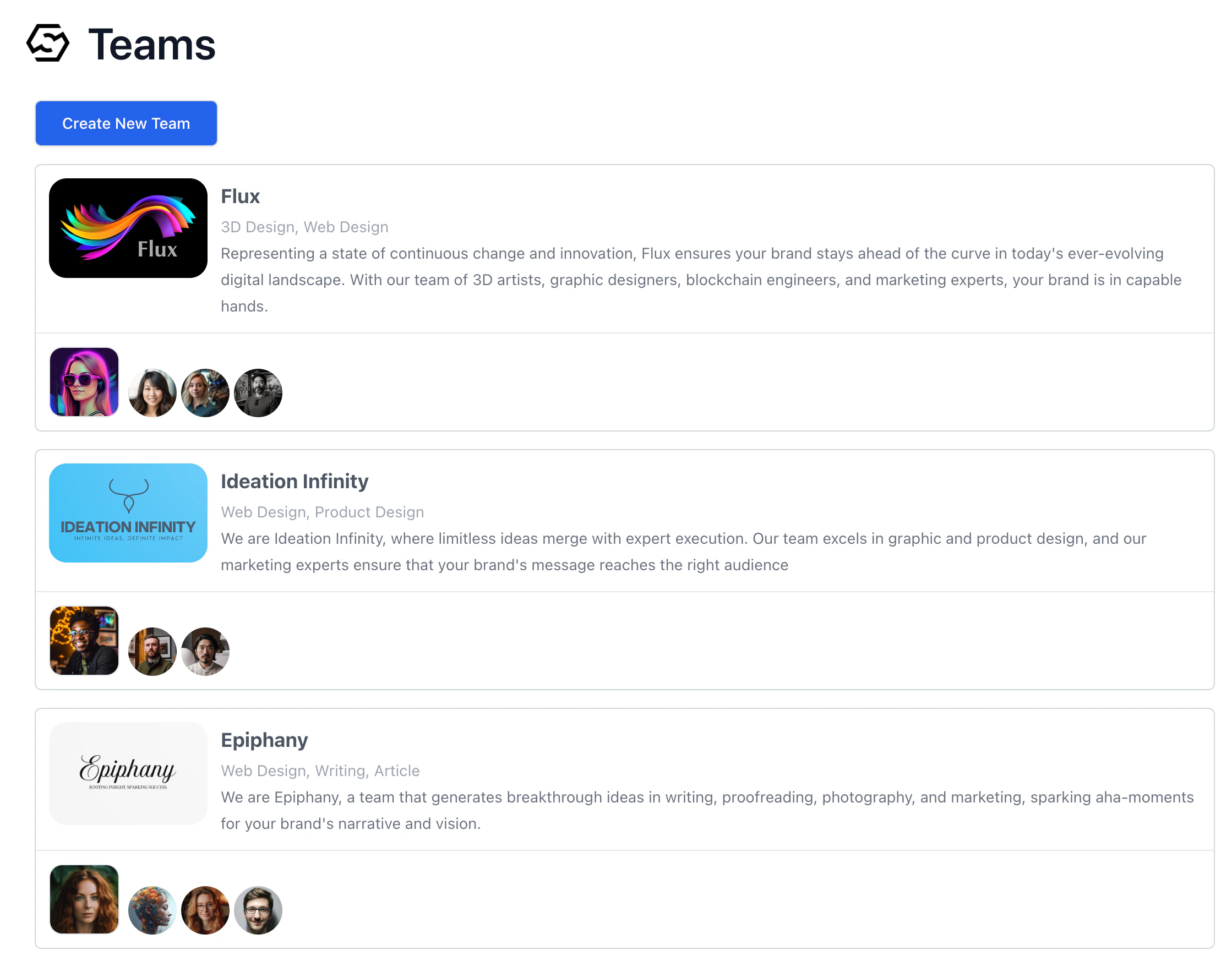
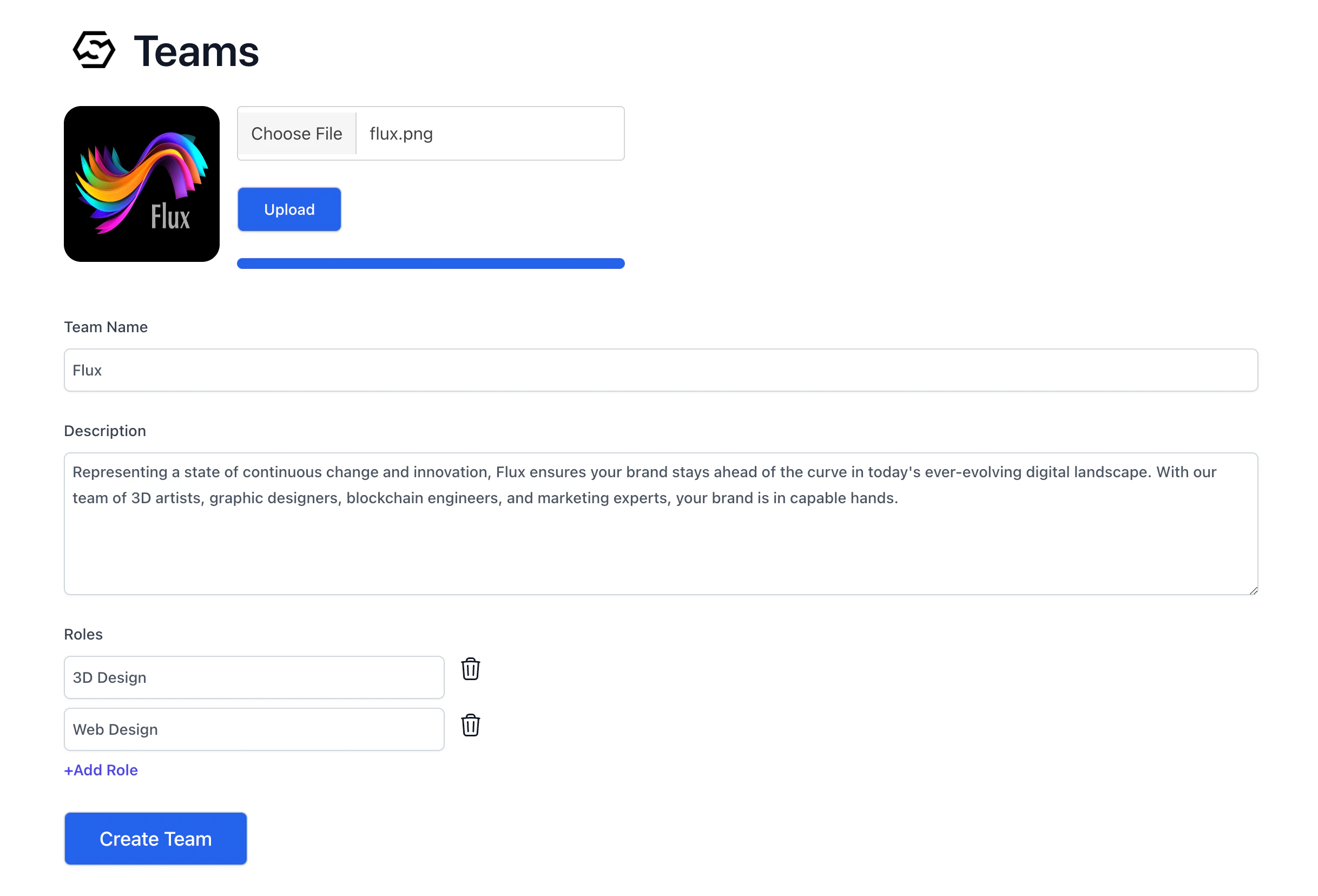
To create a team, go to theTeams section from the main menu. Here, you can see a list of teams, and you’ll find the Create New Team button at the top. When creating a team, you’ll need to upload an image for the team, provide a team name, write a description, and list the roles your team can fulfill. This information will be publicly visible once submitted.

Adding Members
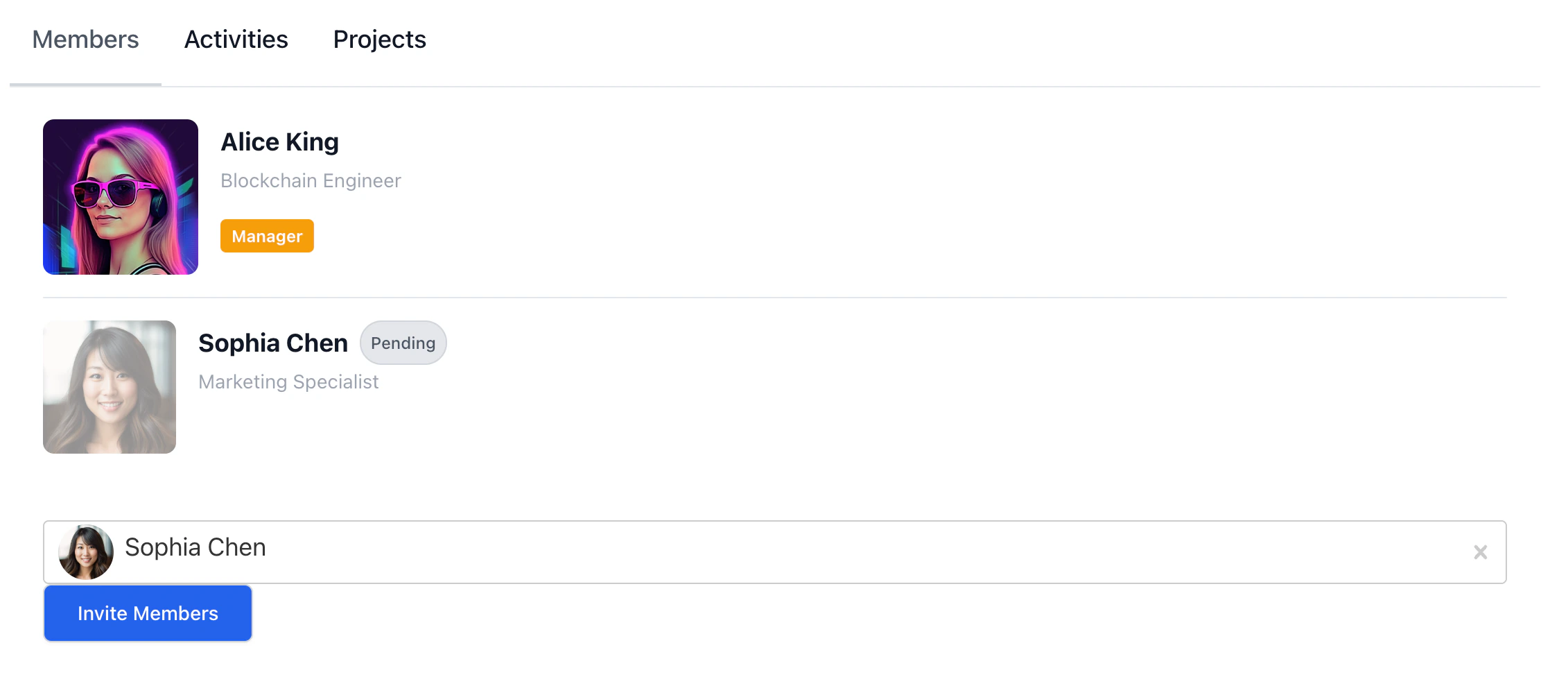
Team managers have the ability to invite other creators to their team. To do this, click onAdd Member at the bottom of the team’s page. You can then enter the email or username of the creator you wish to invite. After selecting the desired creators from the list that appears, you can finalize the invitations by clicking the Invite Members button.



Pending status.
Accepting or Declining Team Invitations
Invited creators will receive a notification informing them of the invitation.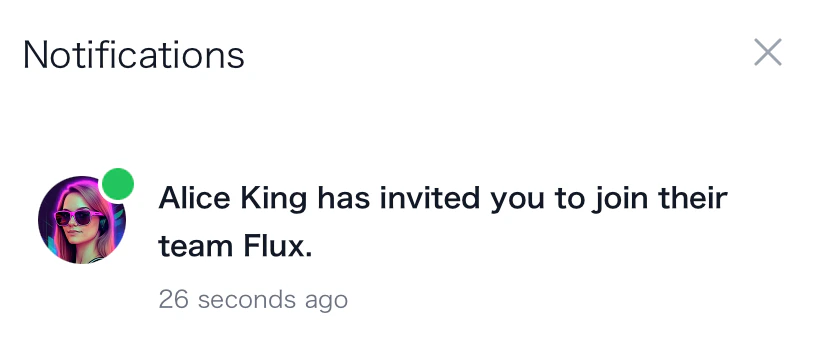
Accept, or click Decline if you choose not to join.
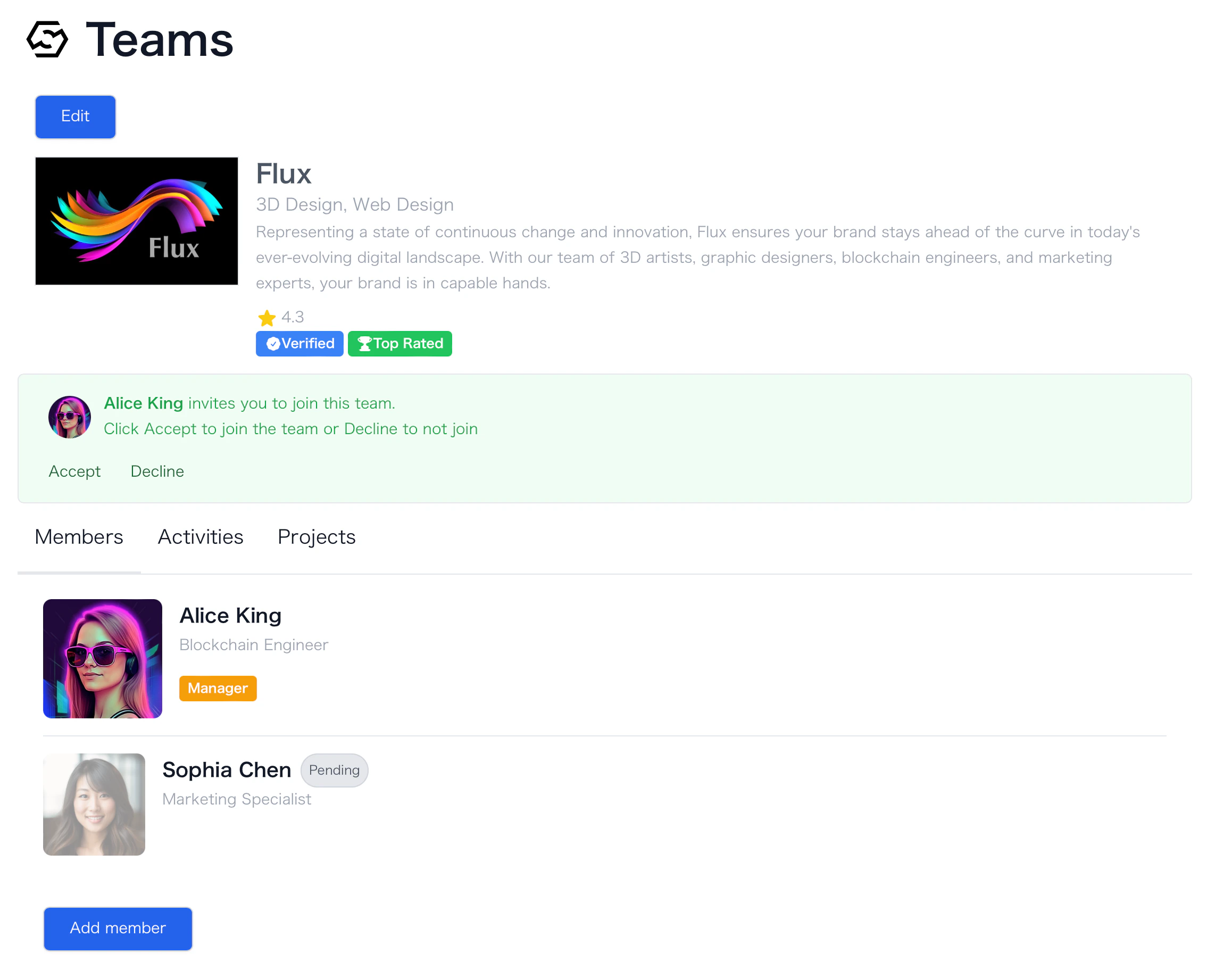
Accept, creators officially become part of the team.